 |
|
Quick tip
Set the size. Kompres does the rest.
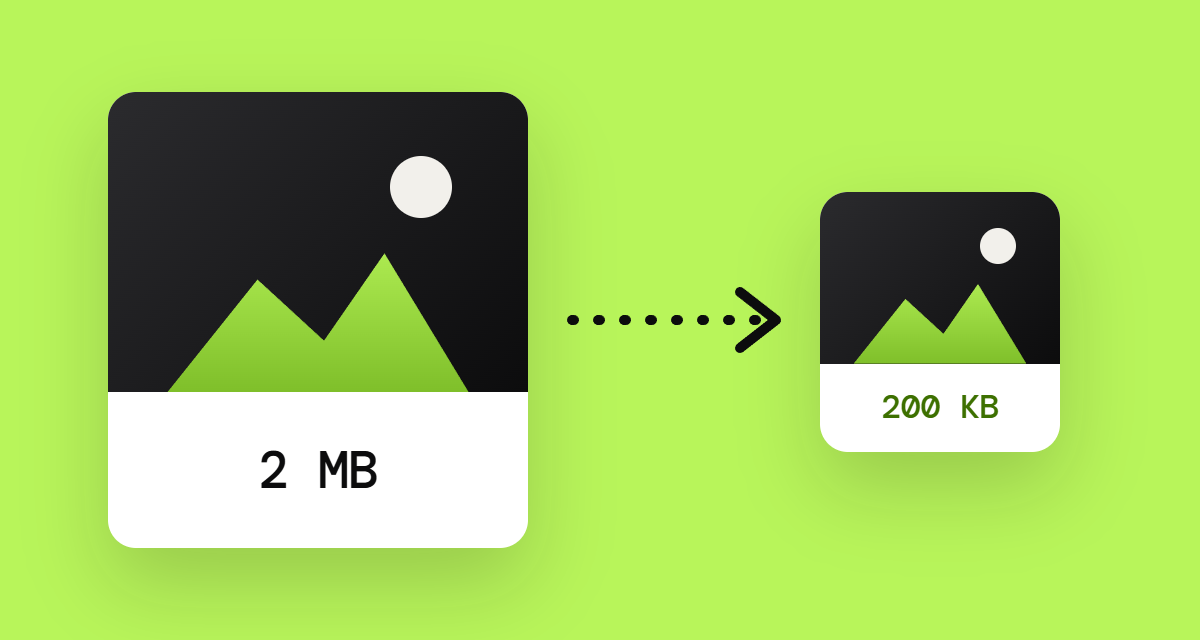
Lots of websites, email tools and ad platforms cap file sizes. Instead of trying one quality setting after another, set the limit and Kompres compresses each image until it fits.
|
|
Drop your images into Kompres. As many as you like at once. |
|
Under maximum size per file (Tamanho máximo por arquivo), type the limit. For example: 200 KB. |
|
Check the result and hit Download all (Baixar todas) to grab everything at once. |
|
|
Compress images
|
| Rule of thumb: for website banners, 200 KB is usually a good limit. For emails, aim for under 100 KB per image. |
|
|

