Add
Drag, pick or paste with Ctrl+V your images and PDFs, anywhere on the page.
WEBSITES / IMAGES & PDF
Images and PDFs ready to use.
More than 30 image and PDF tools, from batch compression to PDF signing, all right in the browser without uploading files.
Visit the websitekompres.com.br ↗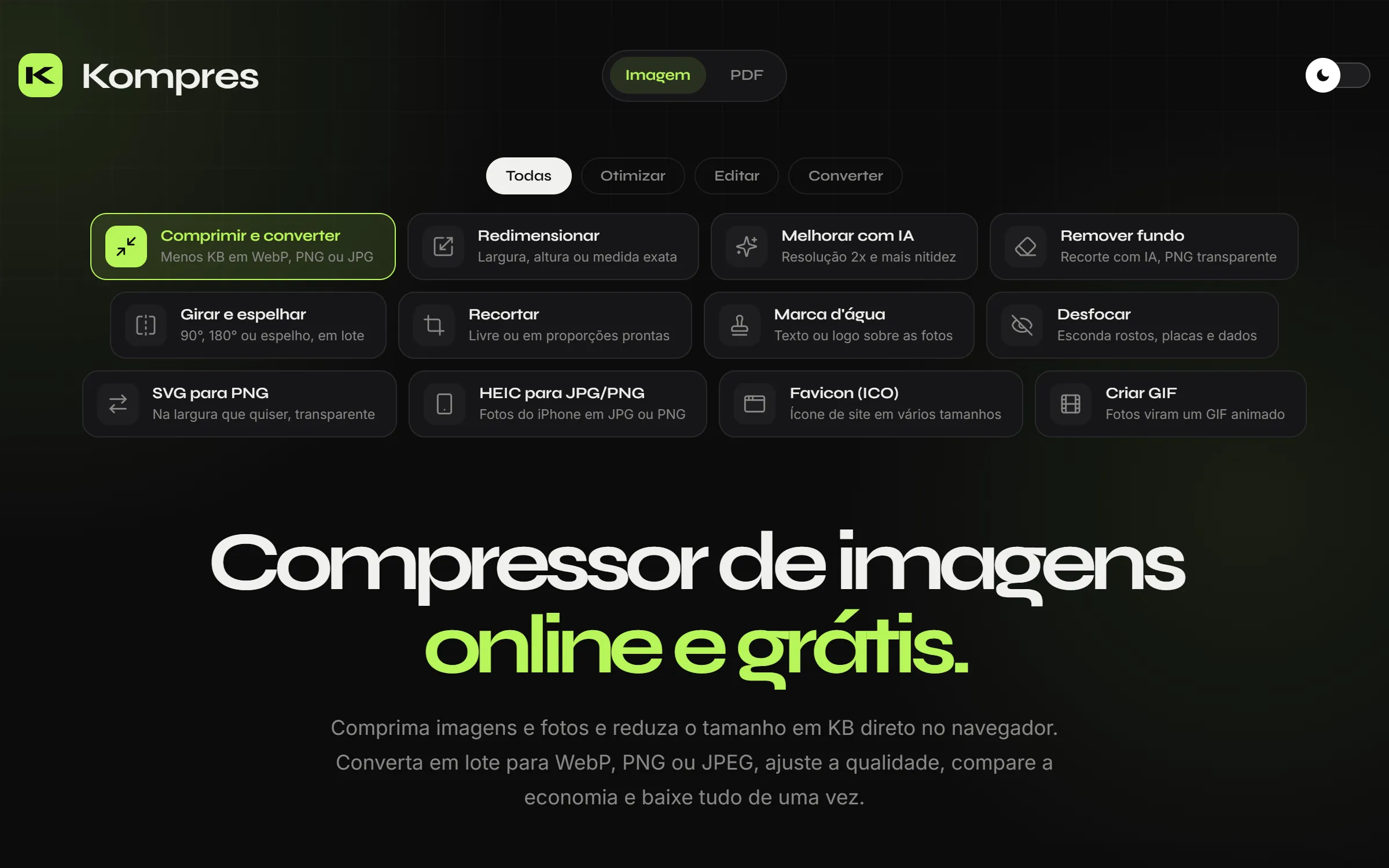
01 — THE PROJECT
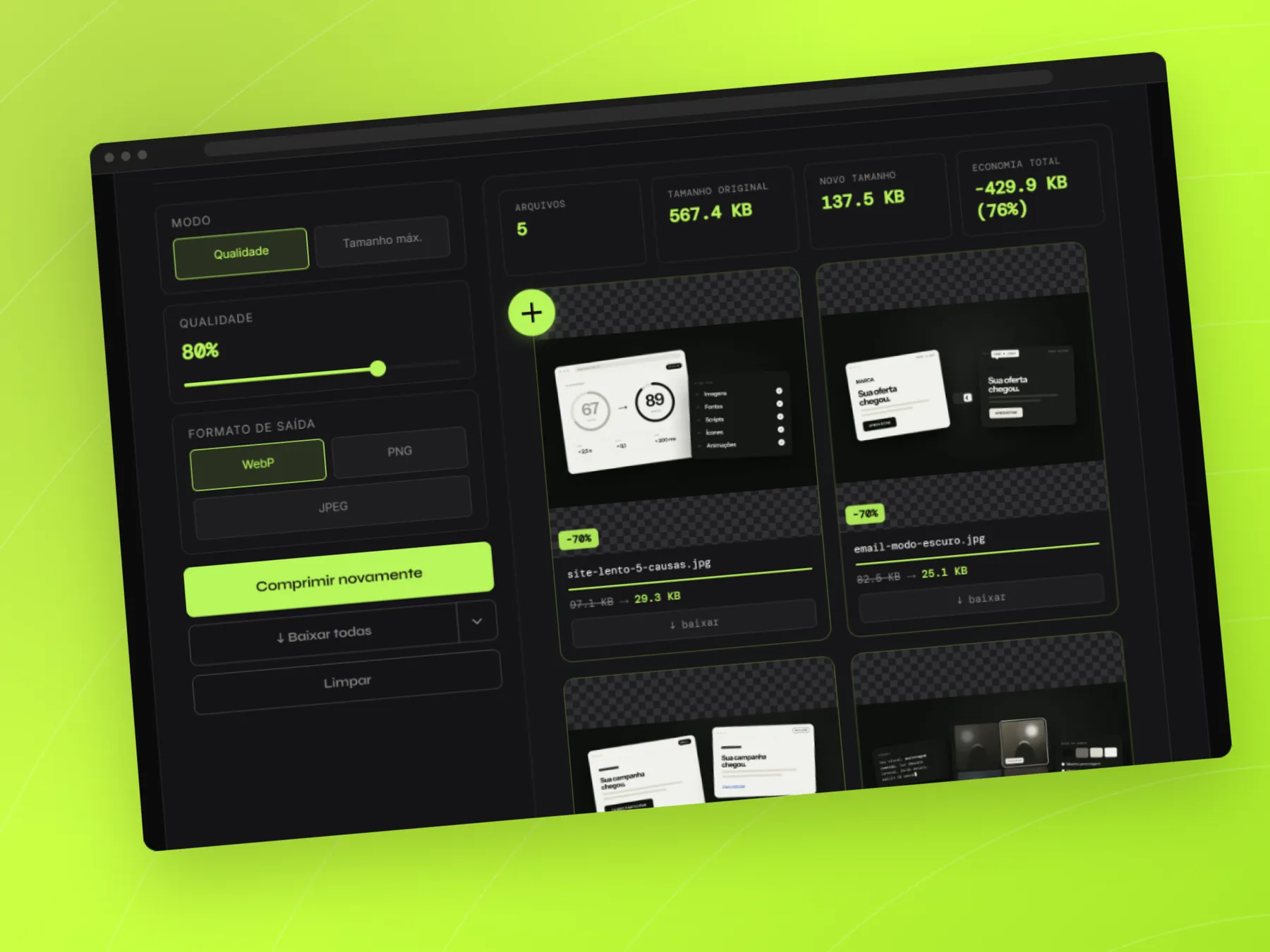
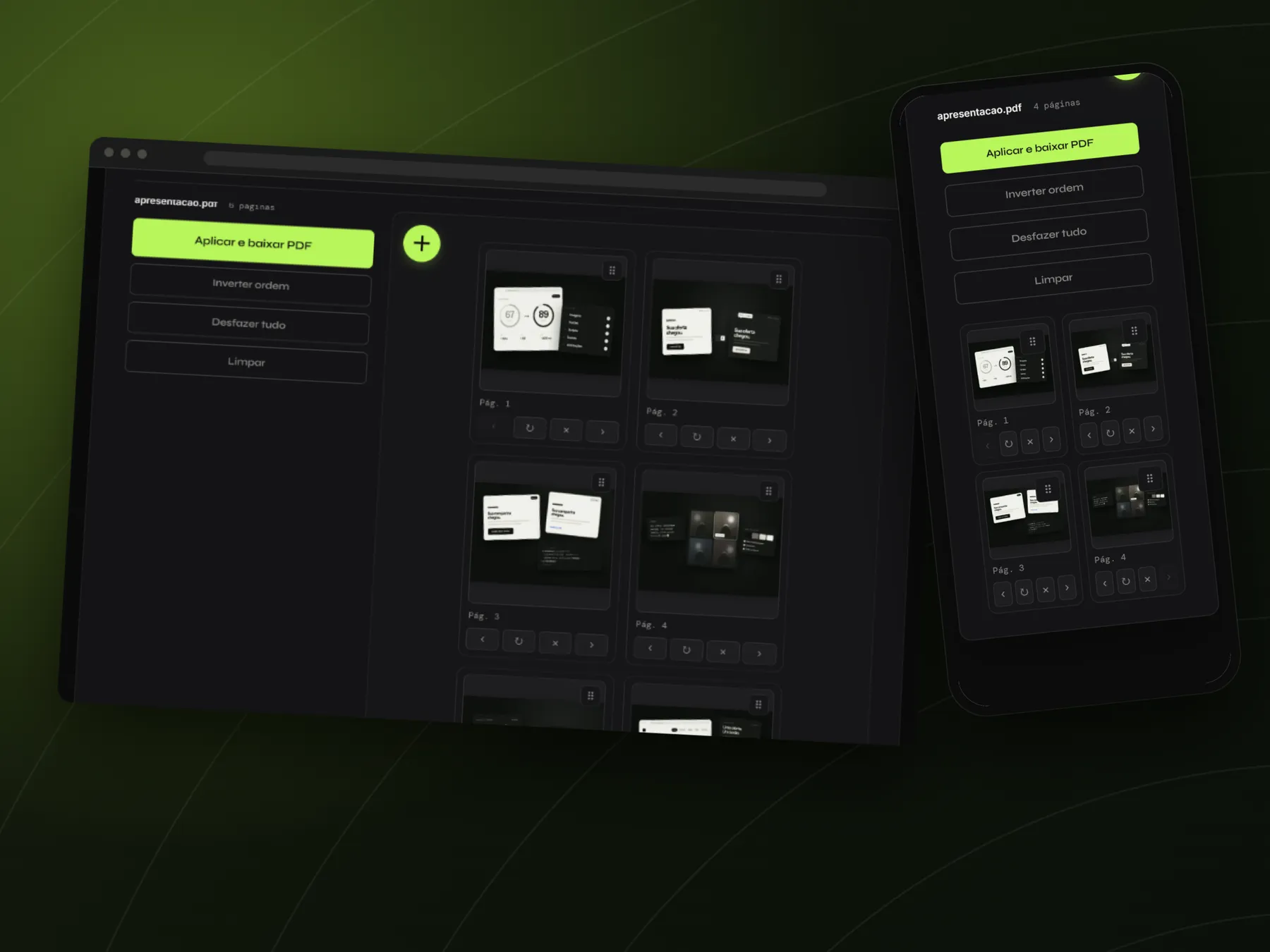
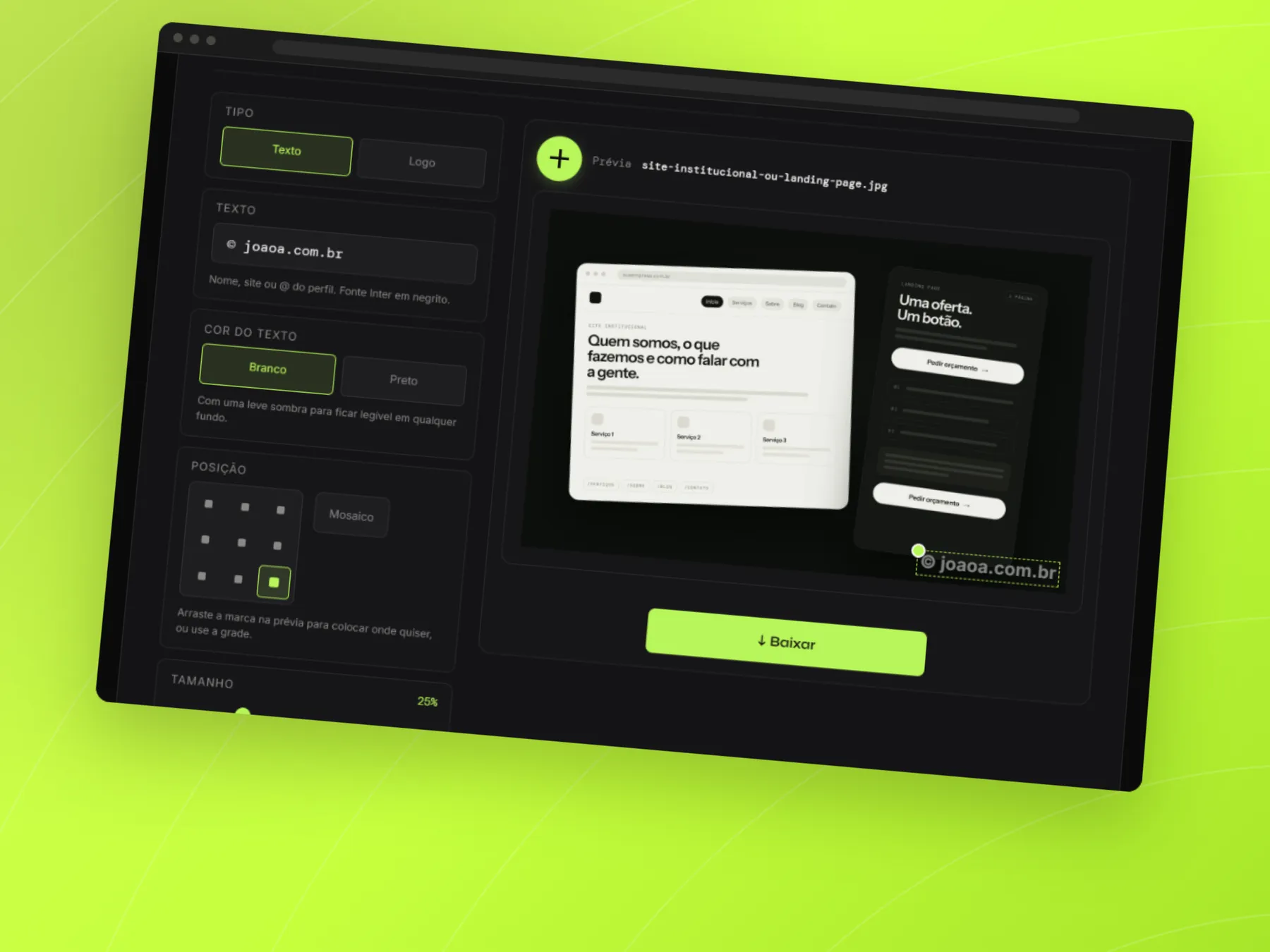
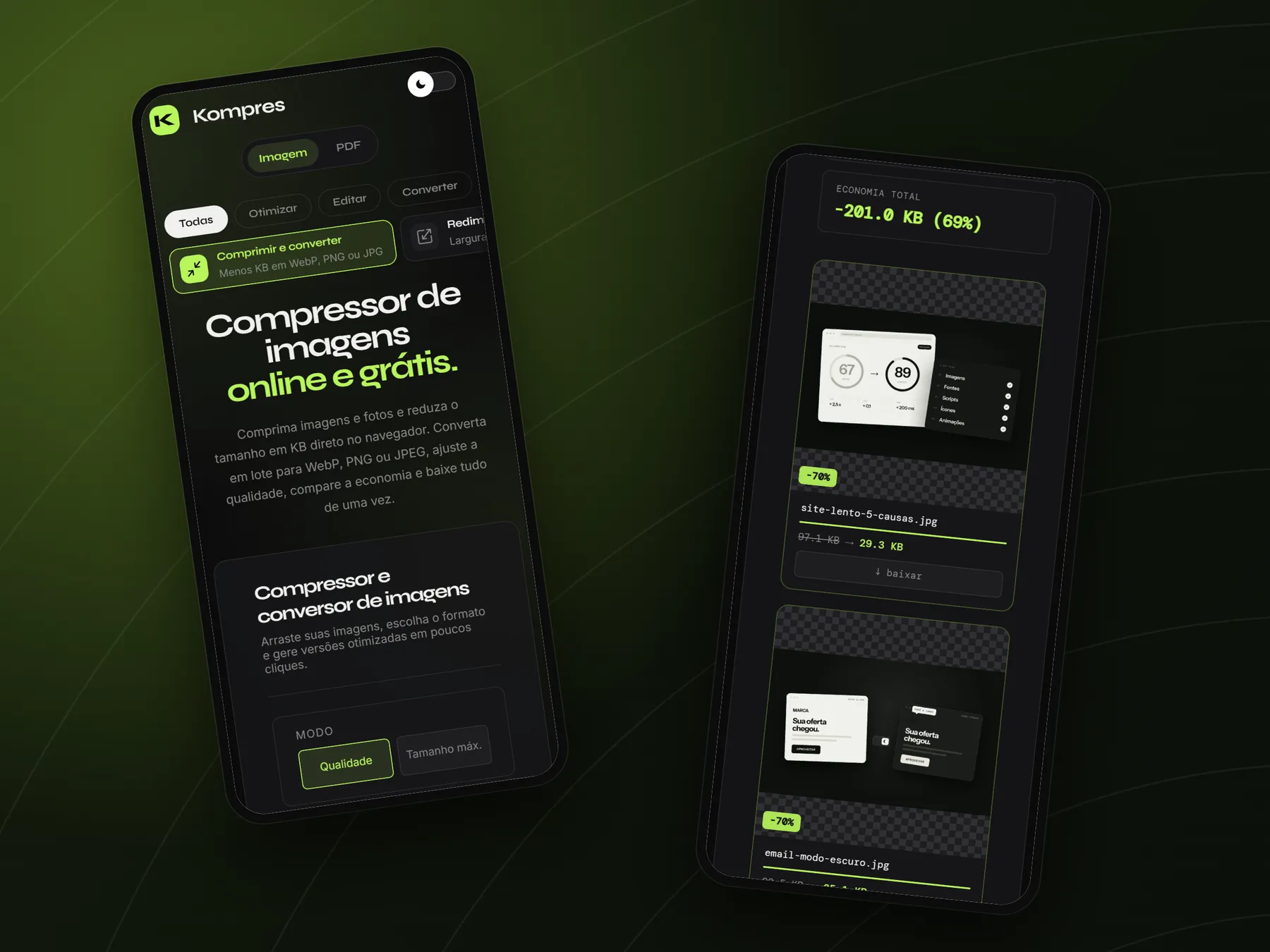
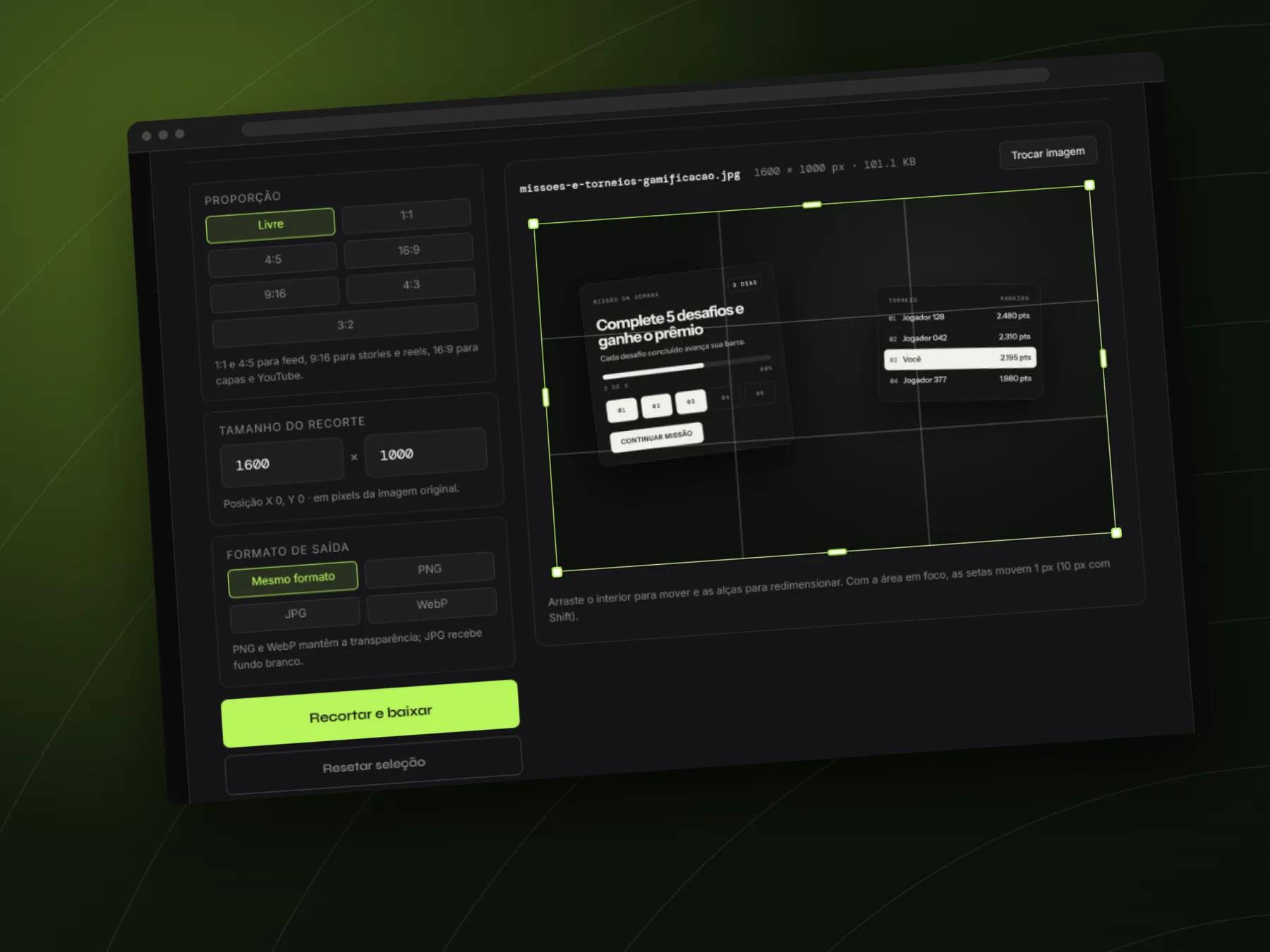
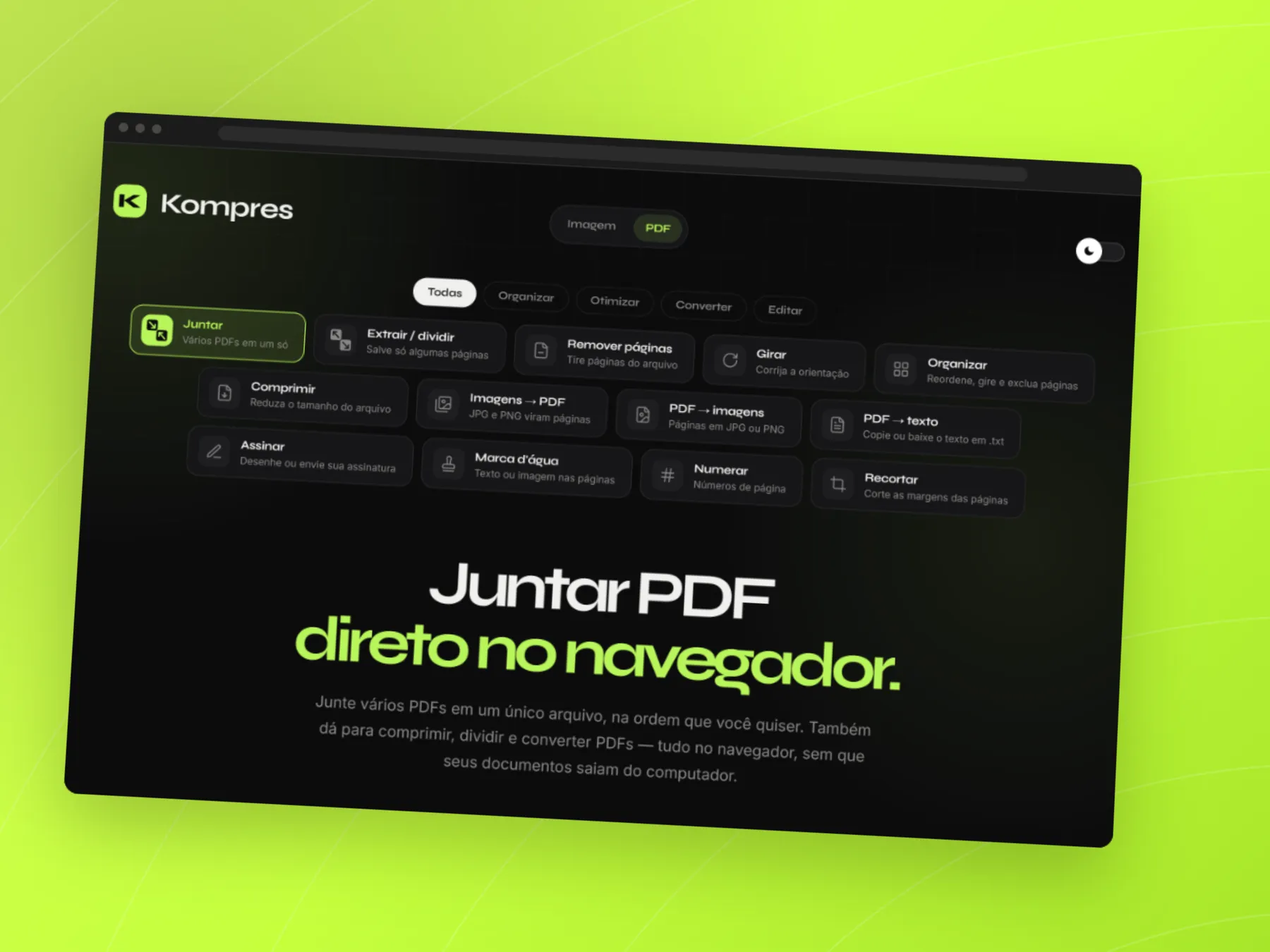
Kompres started in the routine of the CRM team I worked with, to end the manual PNG-to-WebP conversion before publishing every banner. With use, it became a box of more than 30 tools. For images: compress to an exact size in KB, resize, crop, rotate, add a watermark, blur areas, convert HEIC, SVG and favicons, make GIFs and, with AI, remove backgrounds and upscale. For PDFs: merge, split, organize, compress, sign, number pages and extract text.
Everything runs in the browser, AI included, without sending files to a server. The tools start working as soon as you drop the files, accept pasting with Ctrl+V and download everything at once, as separate files, into a folder or as a ZIP.
02 — THE EXPERIENCE
Drag, pick or paste with Ctrl+V your images and PDFs, anywhere on the page.
The result shows up right away and updates with every change to format, quality, size or crop.
Download one file, all of them separately, straight into a folder or as a ZIP.
03 — STYLE GUIDE
Free online image compressor.
Free online image compressor.
Free online image compressor.
QUALITY 82%
Compress and convert images in bulk to WebP, PNG or JPEG right in the browser.
04 — FINAL DESIGN
KEEP EXPLORING
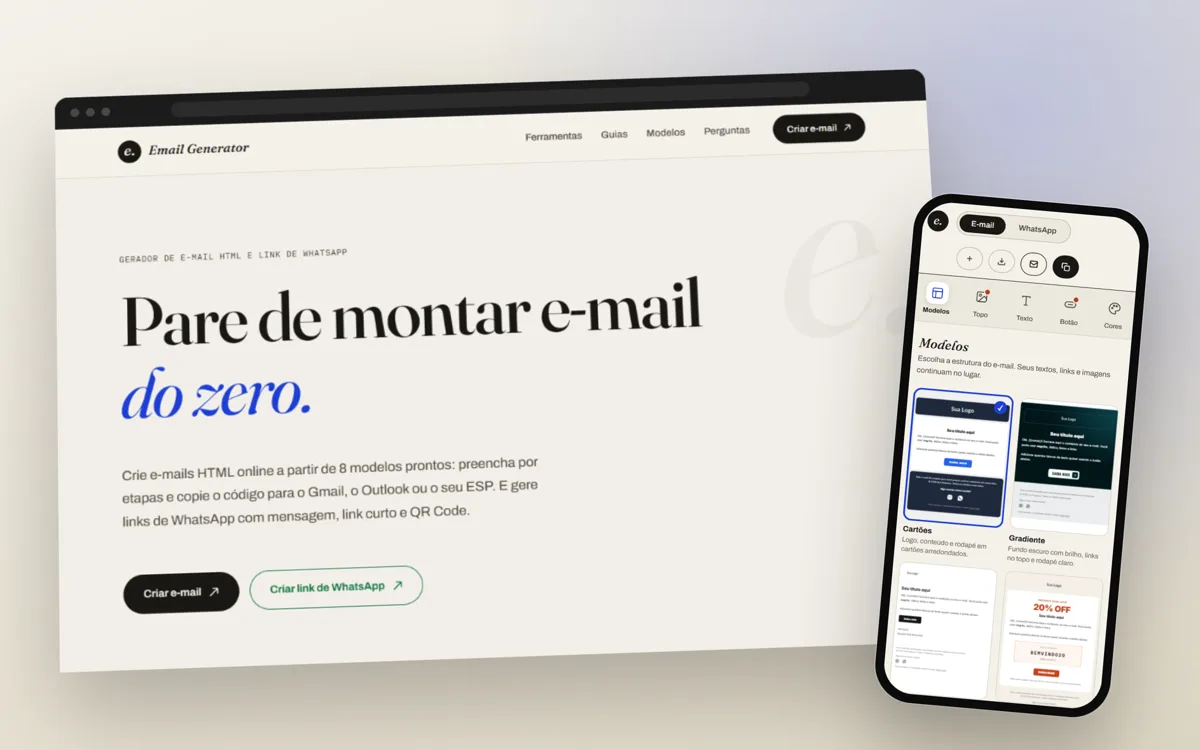 Email Generator